When testing your integration with Camber, you can use the sandbox environment. Here’s how you do it:
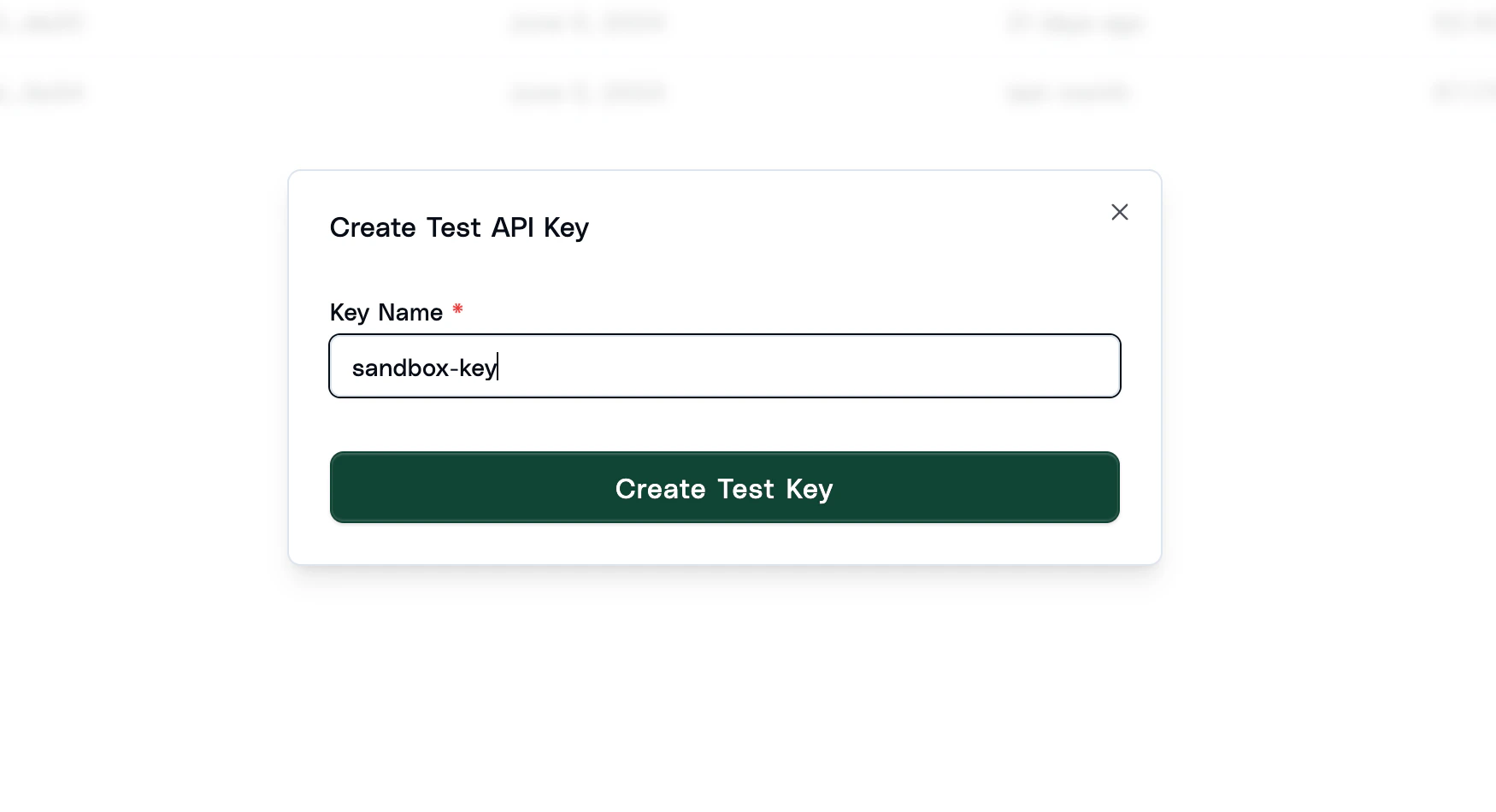
Create a Test API Key
You can do this in the dashboard. To swap to test mode, you can click the toggle in the top right of the page.
Change the Base URL
Simply change the base URL to the test server.
If you try to use a test API key with the normal base URL or a live key with the test server, you will receive an error.
Document Verifications
When to testing you verifications integration, you can can set the test_response
parameter in the request to specify the response you want to receive.
Currently, you can set the final status of the verification to complete or failed,
and the decision to accepted, rejected or flagged.
If you set nothing, Camber will return a random response. If you pass any rules,
Camber will attempt to return a response that matches the rules. If the decision is set to rejected or flagged,
Camber will generate an issue for the field that caused the decision.